About Support
ww5 USB Type-C drives that work with Apple iPhone and iPads.
Phone Drives
| Product | Model | iOS | Android | |
 |
ww5 Phone Drive with Type-C | SDIXS0N | ✔ | ✔ |
 |
ww5 Creator Phone Drive | SDIXD0N-XXXX-XXXTP | ✔ | ✔ |
 |
ww5 Phone Drive for iPhone | SDIXD0N | ✔ | ✔ |
 |
ww5 Phone Drive | SDIX70N-0XXX-XGXXX | ✔ 1 | ✔ |
 |
ww5 Phone Drive for Android | SDDDC6 | X | ✔ |
1 Firmware update may be needed for these drives.
Compatible with iPhone 17, 16, 15 Plus / Air / Pro / Max.
iPhone and iPads
 |
iPhone 17 Pro/Pro Max | iPhone 17 | iPhone Air |
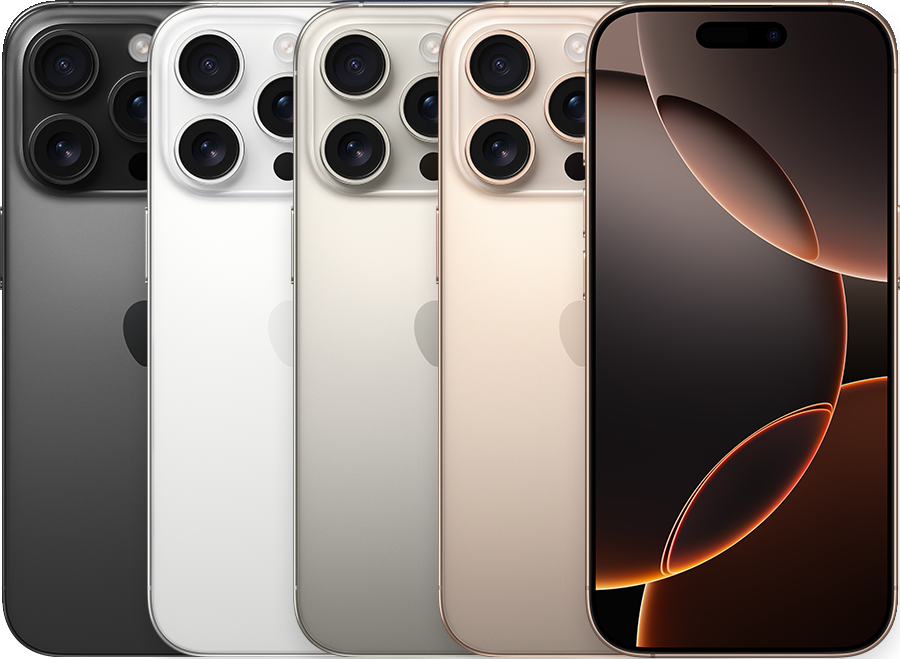 |
iPhone 16 Pro/Pro Max | iPhone 16/Plus | iPhone 16e |
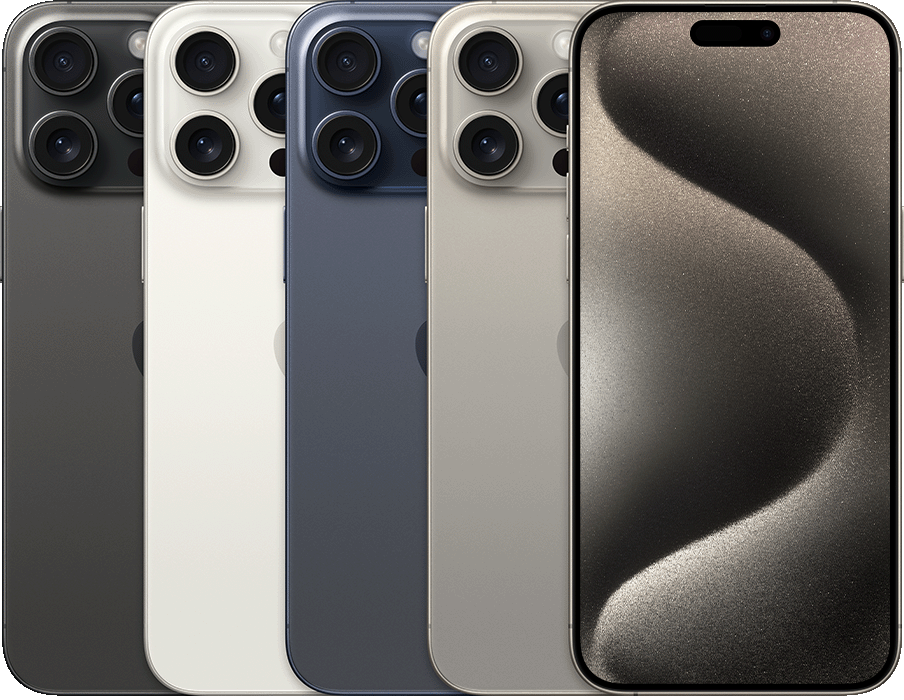 |
iPhone 15 Pro/Pro Max | iPhone 15 Plus | iPhone 15 |
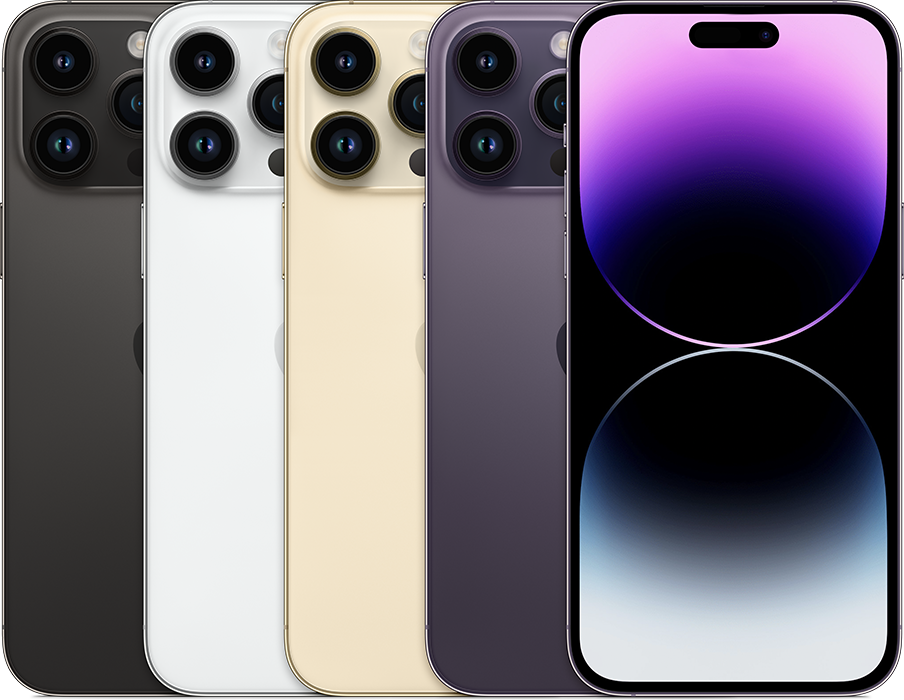 |
iPhone 14 Pro/Pro Max | iPhone 14 Plus | iPhone 14 |
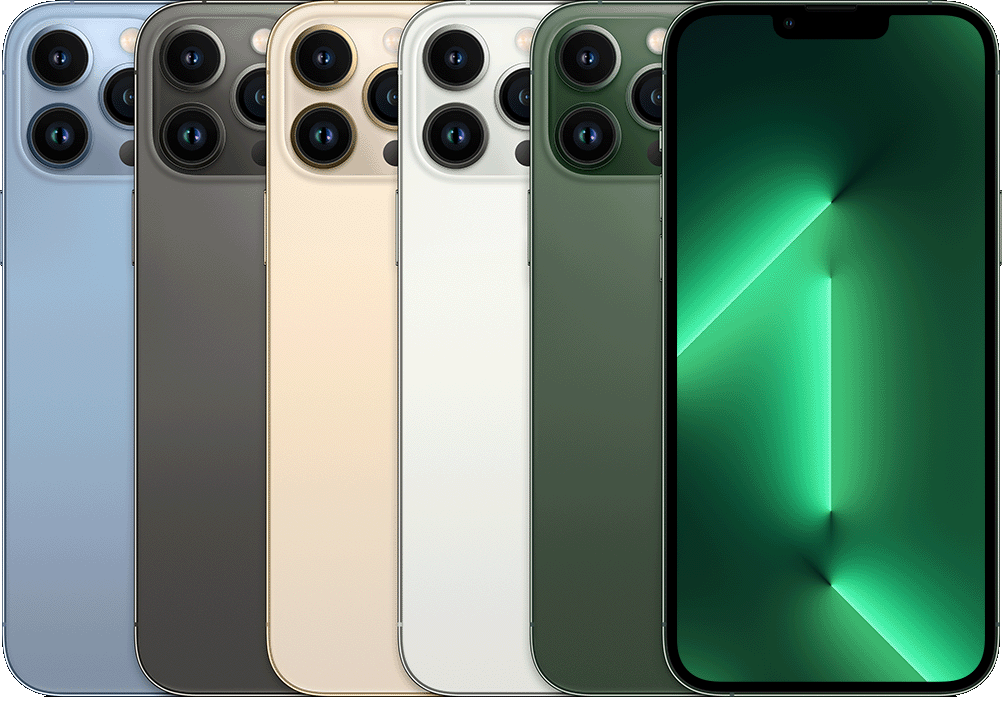 |
iPhone 13 Pro/Pro Max | iPhone 13 Plus | iPhone 13/mini |
 |
iPad Pro 13in (M4) | iPad Pro 11in (M4) | |
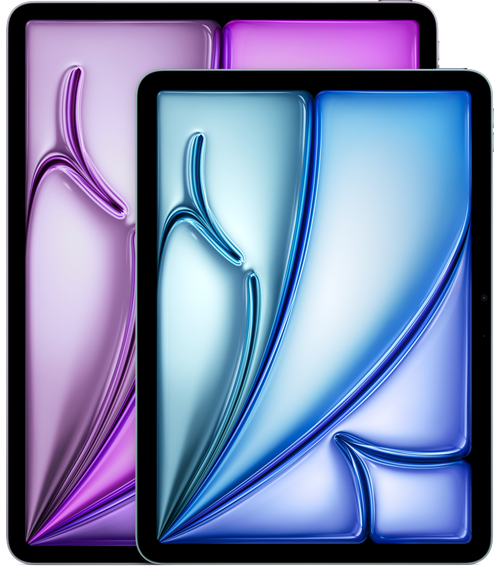 |
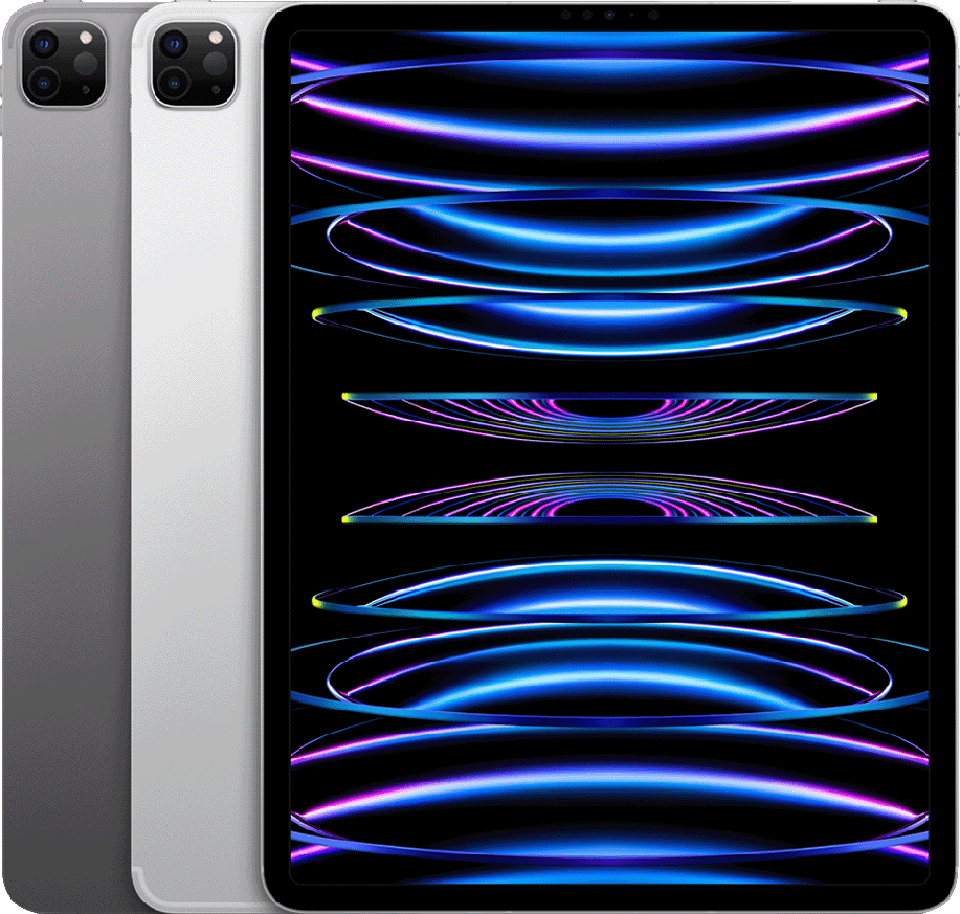
iPad Air 13in (M2) | iPad Air 11in (M2) | |
 |
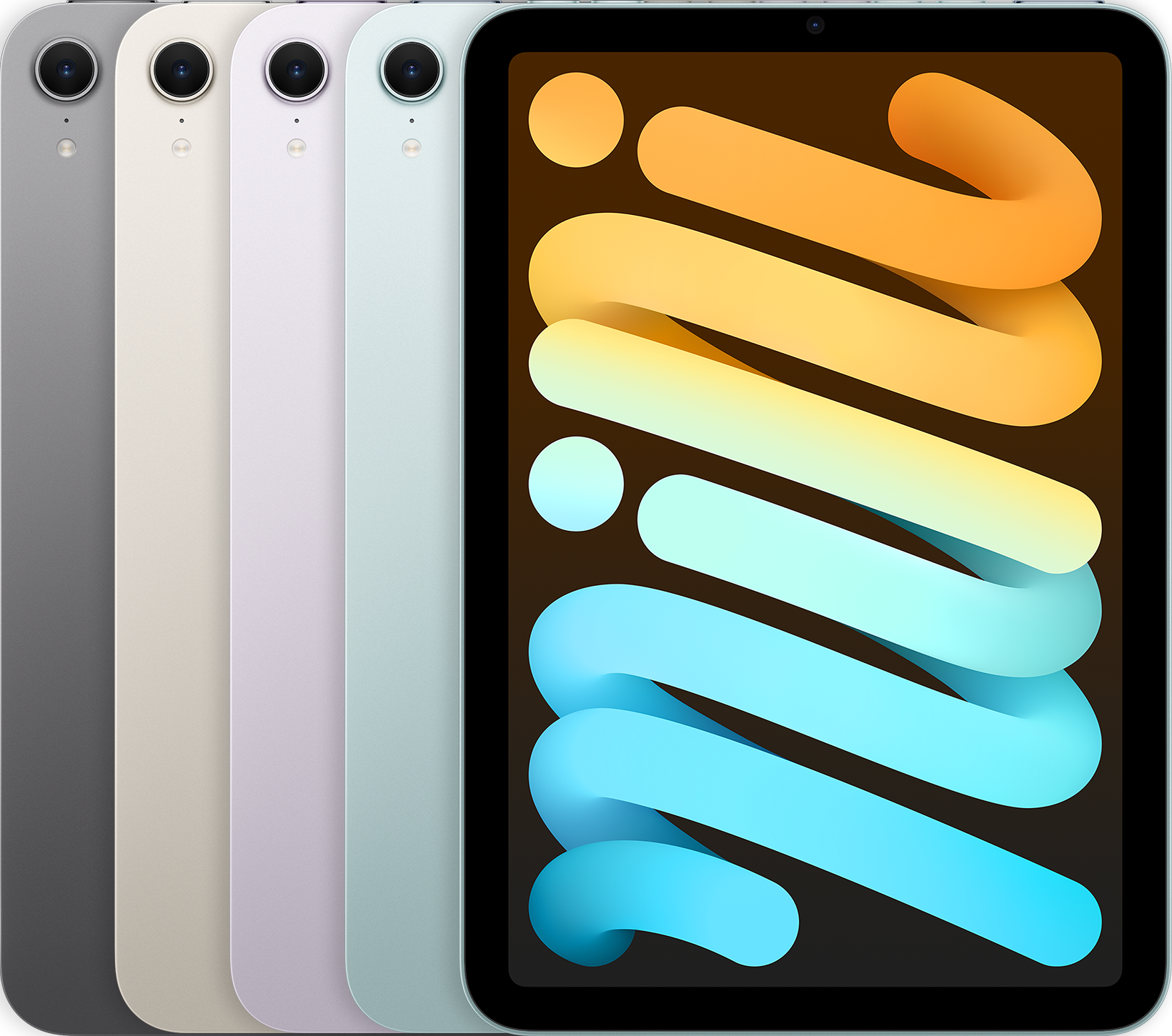
iPad Pro 12.9 1st Gen and higher | iPad Pro 11in 4th Generation | |
 |
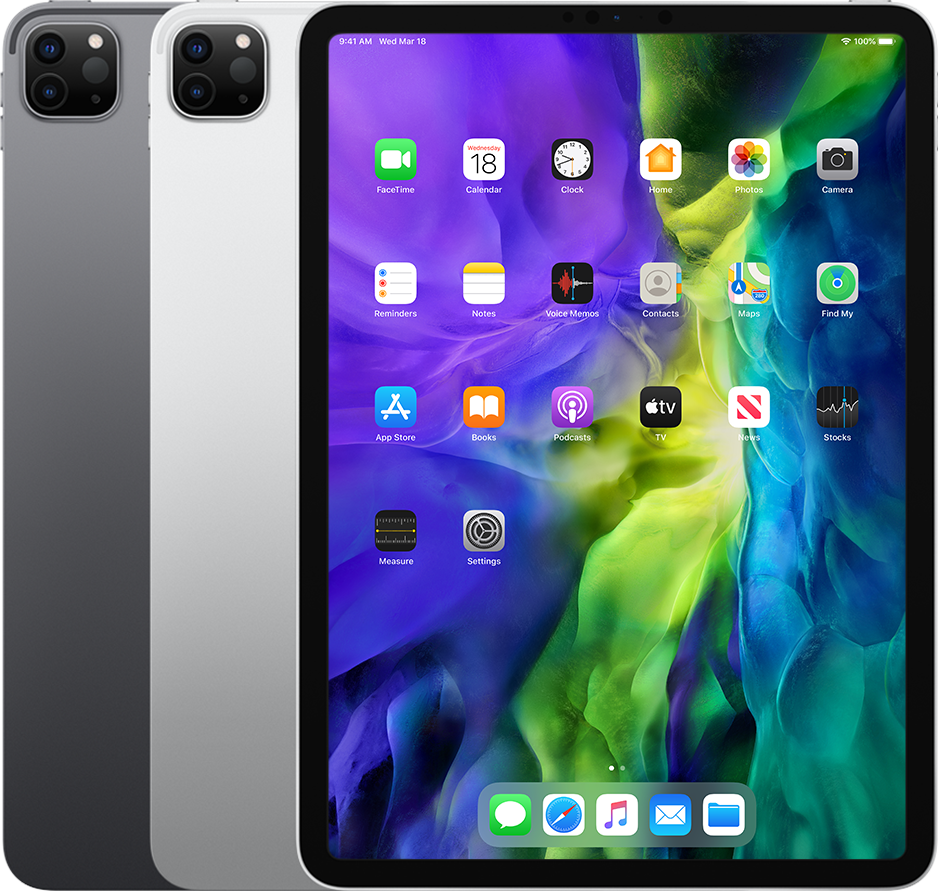
iPad mini (A17 Pro) | ||
 |
iPad Pro 11in 2nd Gen and Higher | ||
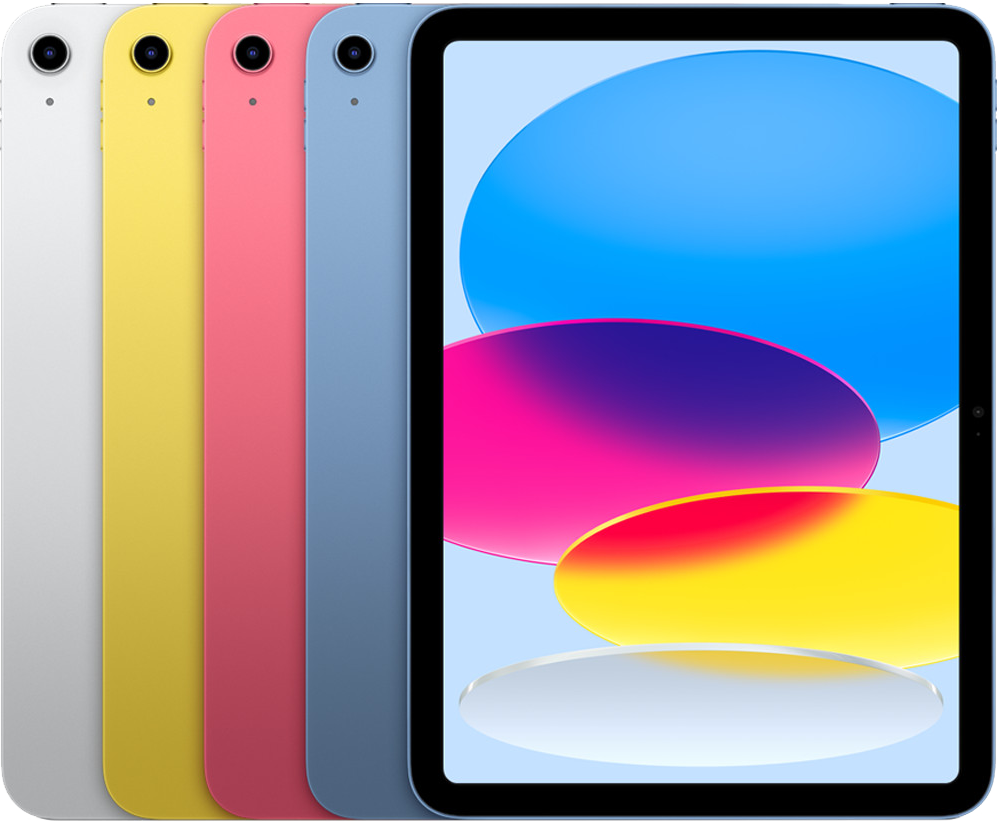 |
iPad 10th Gen | ||
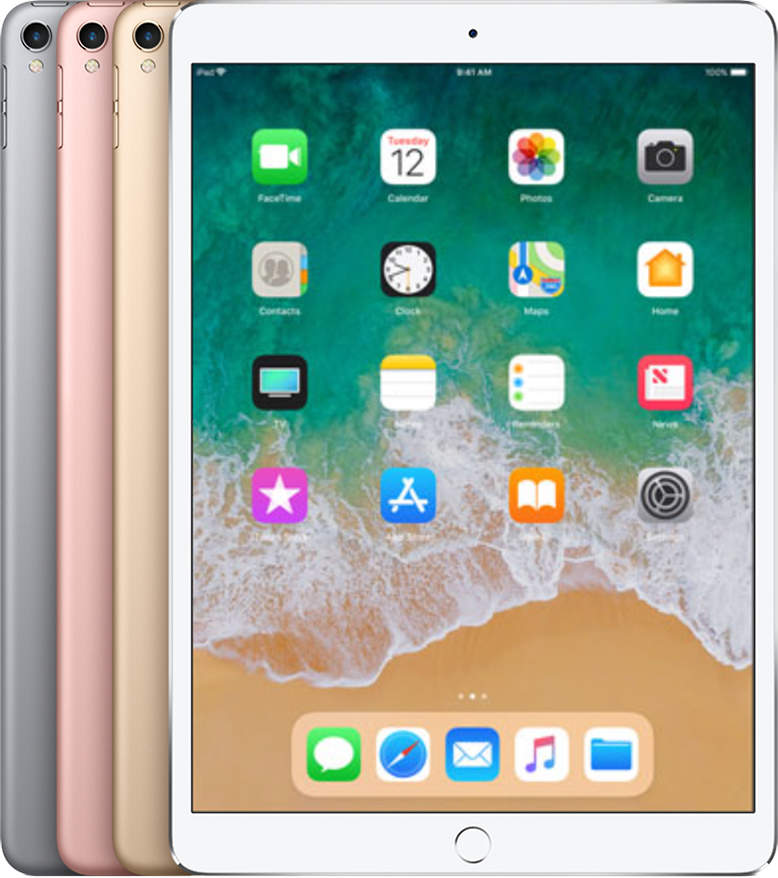 |
iPad Pro 10.5 in | ||
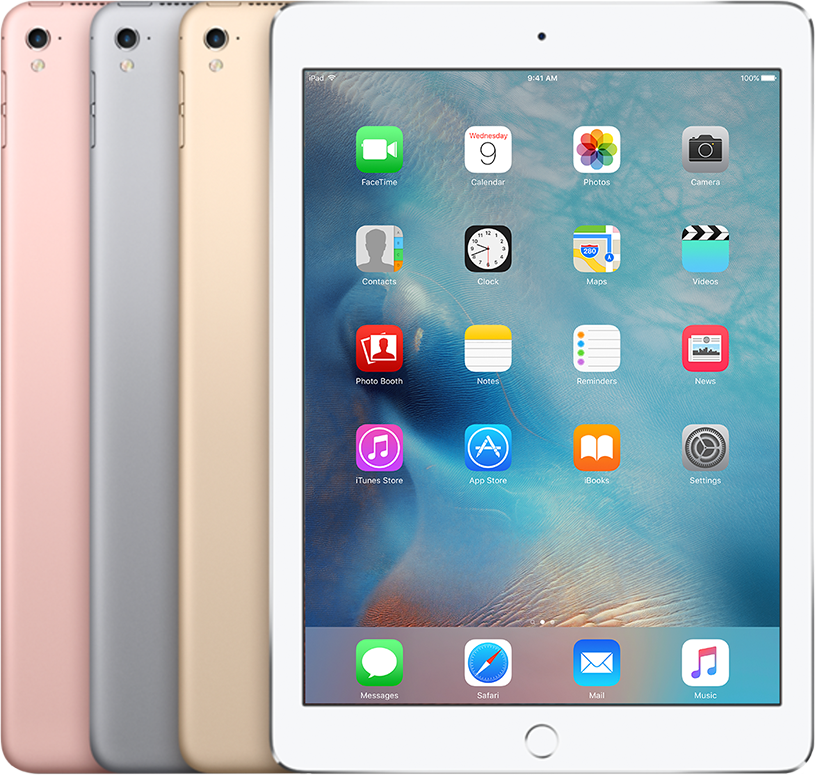 |
iPad Pro 9.7 in | ||
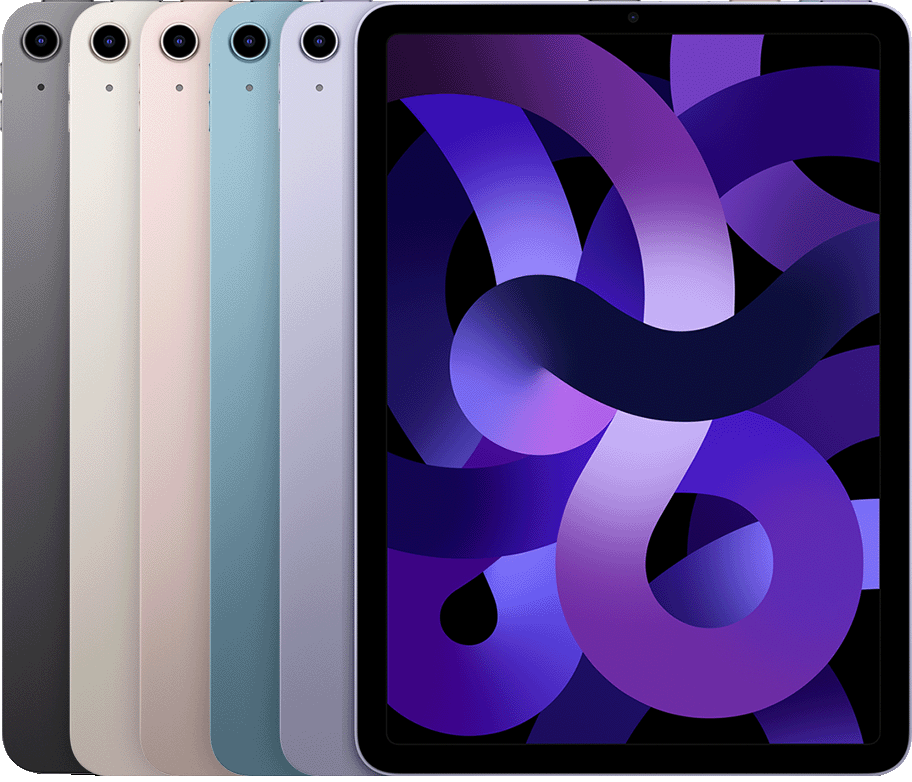 |
iPad Air 5th Gen |
Not Seen or Detected
 |
|
Need more help?
- Answer ID 52005: Steps to Resolve a Drive Not Detected in ww5 App for iOS
- Answer ID 50917: Steps to Copy, Transfer Files to and From ww5 Drives, iPhone, and iPad with Apple Files App
- Answer ID 52161: Steps to Resolve a Drive Not Detected in ww5 App for Android
Details
Please rate the helpfulness of this answer
